
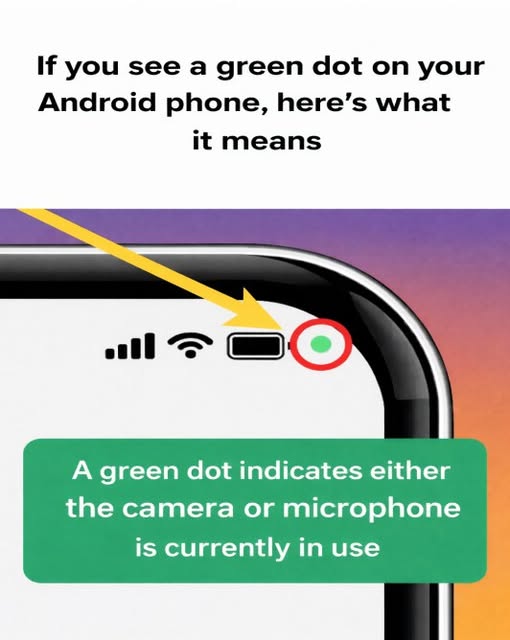
If you’ve noticed a small green dot appearing in the top corner of your Android screen, you’re not alone. This subtle indicator is part of Android’s built-in privacy features. Its purpose is to alert you in real time when an app is actively using sensitive hardware components—specifically your camera, microphone, or both. Rather than signaling a malfunction, the icon is designed to improve transparency and give users clearer insight into how their devices are being used.
In many cases, the green dot appears during normal activity. For example, it may show up while you’re on a video call, recording a voice message, or taking a photo. These are expected scenarios where camera or microphone access is required. The presence of the indicator simply confirms that the permission is being used at that moment. However, if the symbol appears when you’re not intentionally using these features, it’s worth taking a closer look.
To identify which app is responsible, swipe down from the top of your screen to open the notification panel. Tapping the green indicator will expand it and reveal which application is currently accessing your camera or microphone. This quick check allows you to confirm whether the access matches your recent activity. If everything aligns with what you’re doing, there’s no cause for concern.
If you prefer to limit access, head to your device’s Settings, then navigate to Privacy or Permission Manager. From there, you can review and adjust which apps are allowed to use specific features. Periodically checking these settings is a practical habit that supports digital security. By staying informed and managing permissions thoughtfully, you maintain better control over your personal data and how your smartphone functions.