
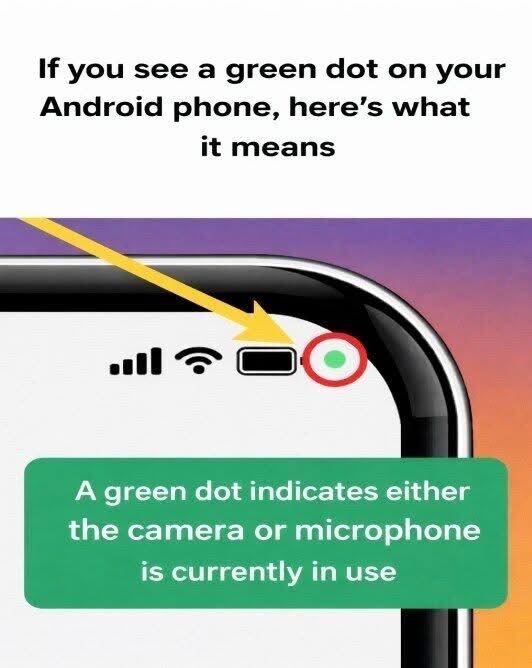
Many Android users have noticed a small green dot appearing in the corner of their phone screen and wondered what it means. At first glance, it can seem like a random notification or even a technical glitch. In reality, the symbol is part of a built-in privacy feature designed to keep users informed. Modern smartphones increasingly focus on transparency, and this small visual indicator helps alert users whenever sensitive phone components are being accessed.
On many Android devices, especially those produced by Samsung and other major manufacturers, the green dot signals that an application is using the camera, the microphone, or both. Whenever an app needs access to these sensors—such as during a video call, voice recording, or when taking photos—the system displays the indicator in the status bar. Its purpose is straightforward: to ensure that users always know when their device is actively capturing audio or video.
This feature reflects a growing emphasis on digital privacy. Over time, smartphone platforms have introduced tools that make it easier for users to understand how apps interact with their devices. By showing a clear visual signal when the camera or microphone is in use, Android helps prevent apps from accessing these sensors without the user’s awareness. Instead of being a warning sign of danger, the green dot usually indicates that the phone’s privacy system is functioning as intended.
If the green dot appears unexpectedly, Android also provides ways to check which app is responsible. By opening the quick settings or privacy panel, users can see which application is currently using the camera or microphone and review its permissions if necessary. This simple process allows people to manage app access and maintain control over their personal data. In everyday use, the small green dot serves as a helpful reminder that the phone is actively working to keep users informed about their privacy.